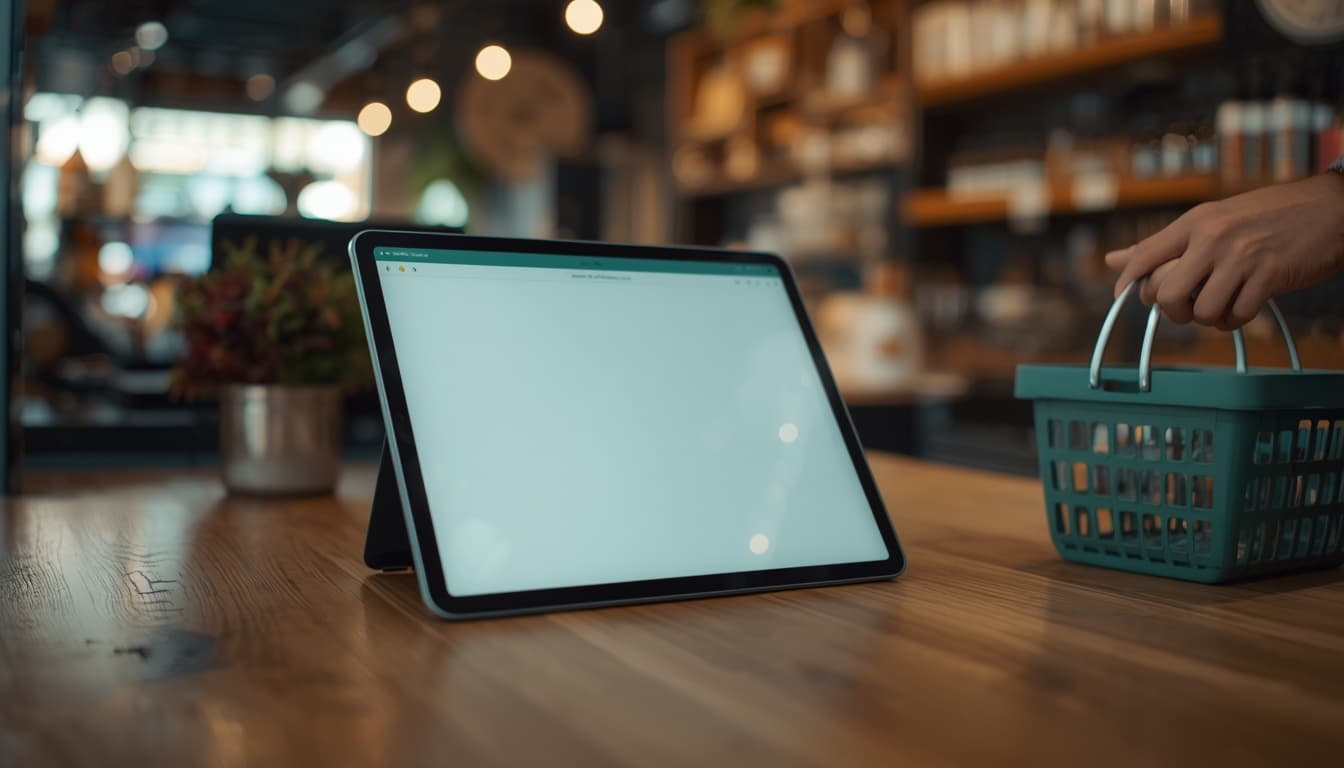
Web POS
Browser till and back office for any device. Free to use, with free cloud storage up to a quota — then upgrade storage when your catalog media grows.
 Store POS
 Store POS
Free web till with cloud back office. Free Windows app for standalone and LAN. Optional per-PC cloud sync when you are ready.
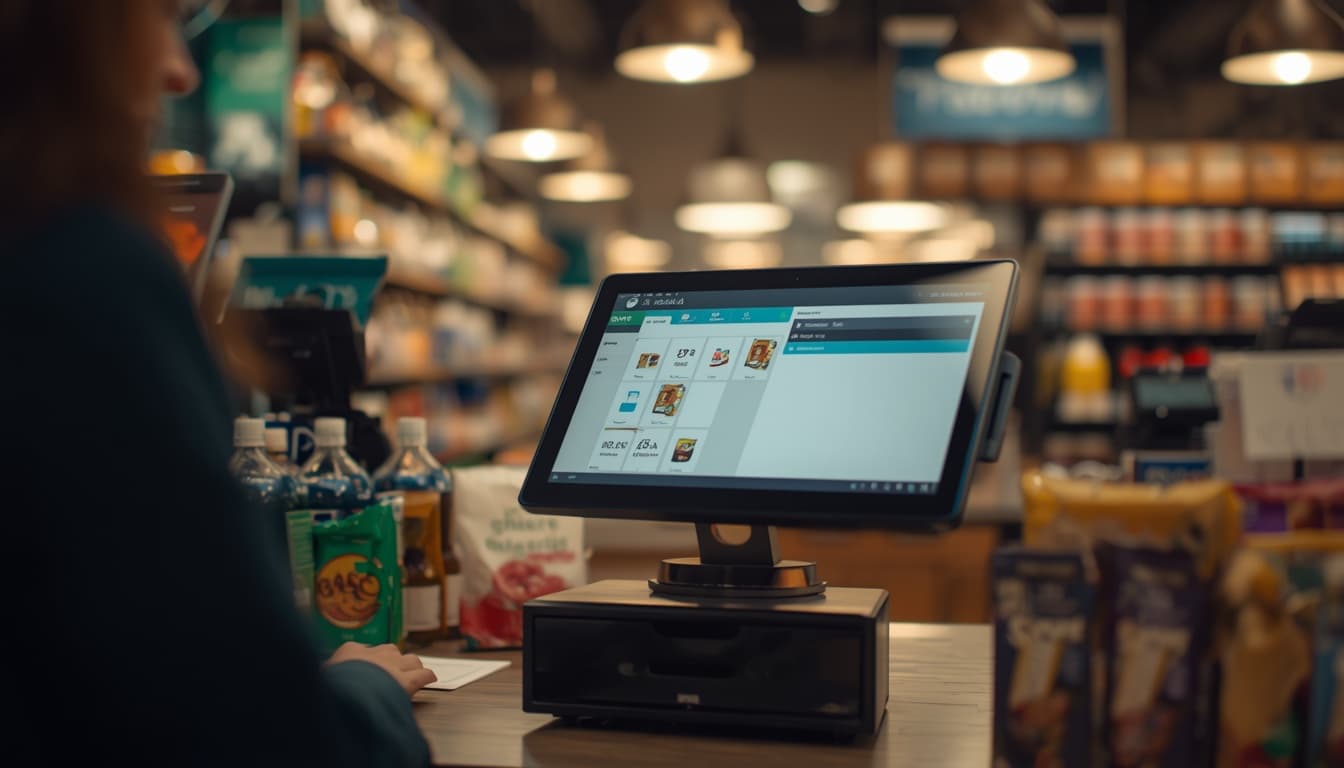
Platform
Pick web, desktop, or both. Pricing stays simple — you only pay when you need more storage or licensed cloud sync on a PC.
Browser till and back office for any device. Free to use, with free cloud storage up to a quota — then upgrade storage when your catalog media grows.
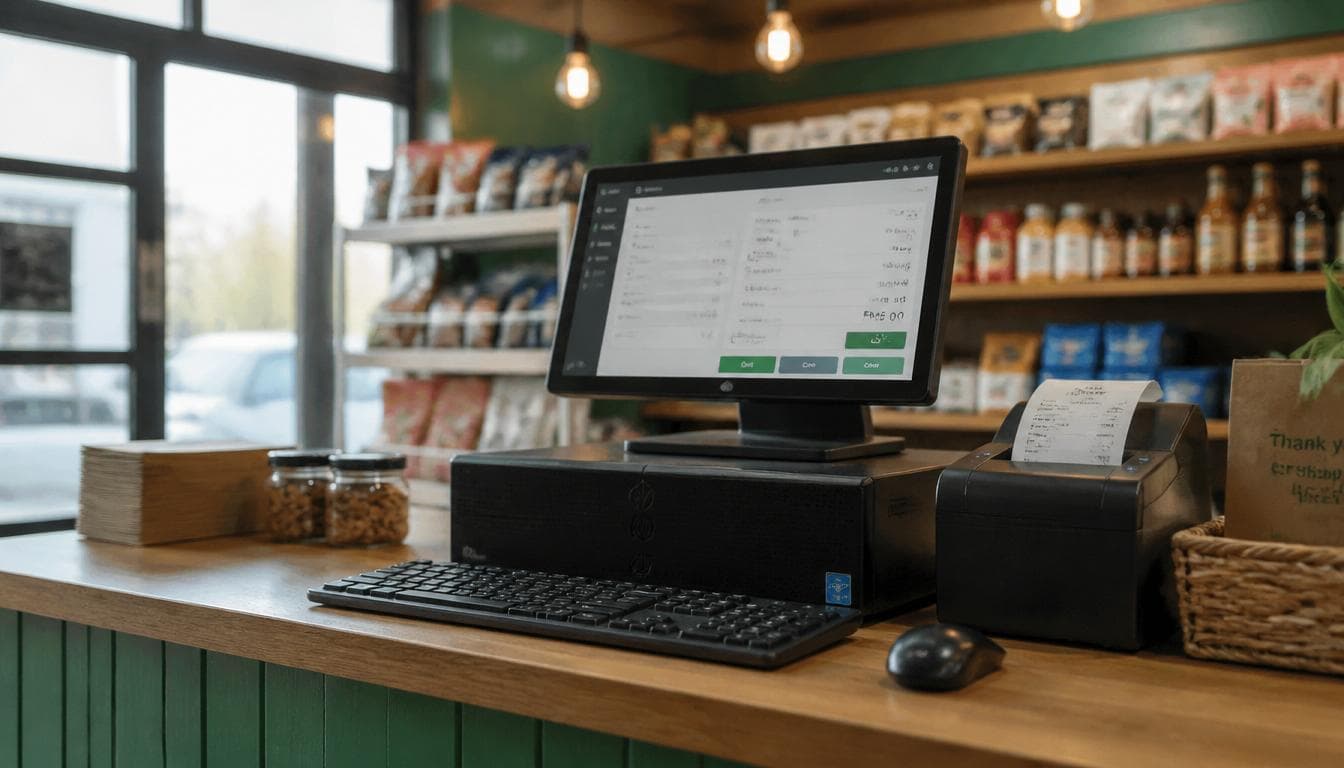
Native Windows Store POS for standalone or LAN multi-terminal. Free forever offline. No cloud account required to take sales.
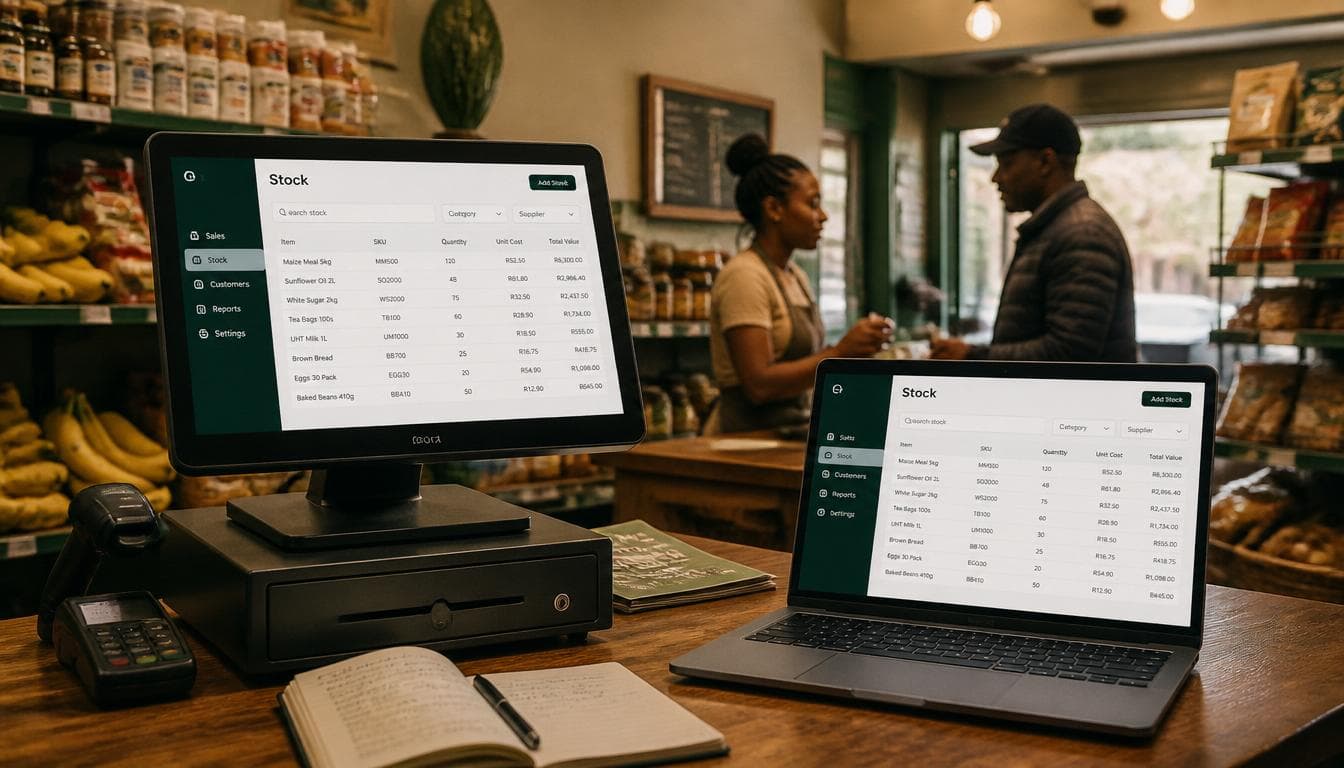
Connect a licensed PC to the same cloud org as web. Storage becomes free and unlimited. One license seat per PC.

Web POS
Built for day-to-day retail: scan, sell, hold sales, manage stock, and report — without installing anything on the register PC if you prefer the browser.
Desktop
The Store POS desktop app is free for standalone single-PC use and for LAN multi-terminal setups on your local network.
One PC, local database, full till and catalog. Ideal for shops that want a fast native app with no internet dependency.
Run a network server on one machine and connect terminals on the LAN. Share catalog and stock across counters without the cloud.
Download the installer from this site. Source and history live on the public GitHub project (1k stars). Cloud sync is optional and licensed separately per PC.
Cloud sync
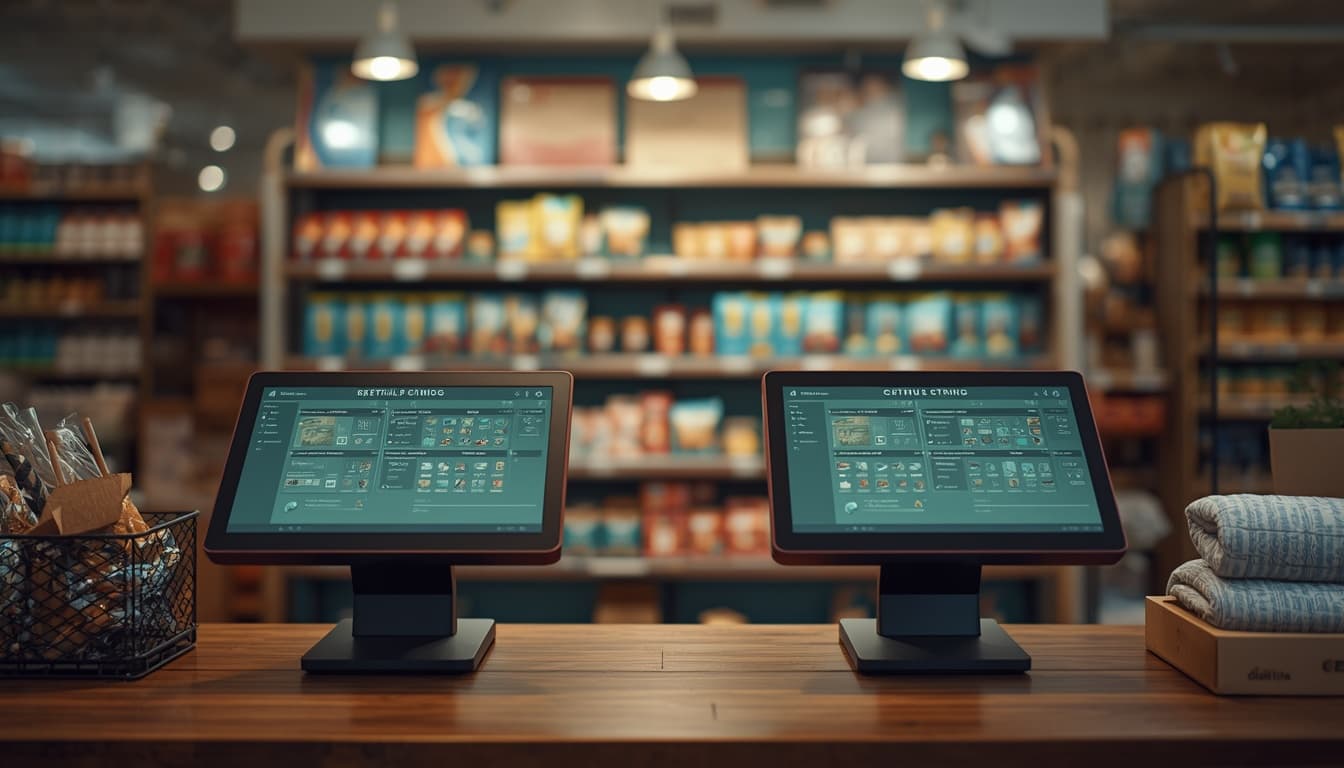
When a desktop PC is licensed, it uses the same sync protocol as the web till — products, customers, stock deltas, sales, and settings stay aligned.

Operations
The cloud console covers the work that used to live in spreadsheets — without turning the first screen into a dashboard of widgets.
Pricing
Free
Till + back office. Free storage up to the included quota; upsell for more.
Free
Standalone and LAN forever. Download and sell without a subscription.
Per PC
License each syncing computer. Storage is then free and unlimited.
Download
Install Store POS on your register PC. Use it free offline or on LAN, then add cloud sync licenses when you want the same data in the browser.
Windows 10 / 11 · v2.0.0 · 83 MB
Free desktop app with standalone and LAN modes. No account required to sell offline.
Get started
Create an organization, get a main store and till, and take your first sale from the browser. Add the desktop app whenever you need a native counter experience.
Open source
The desktop app is the long-running public project — free to use, fork, and star. This cloud site is separate and private.